Is CabuTally a free Splitwise alternative?
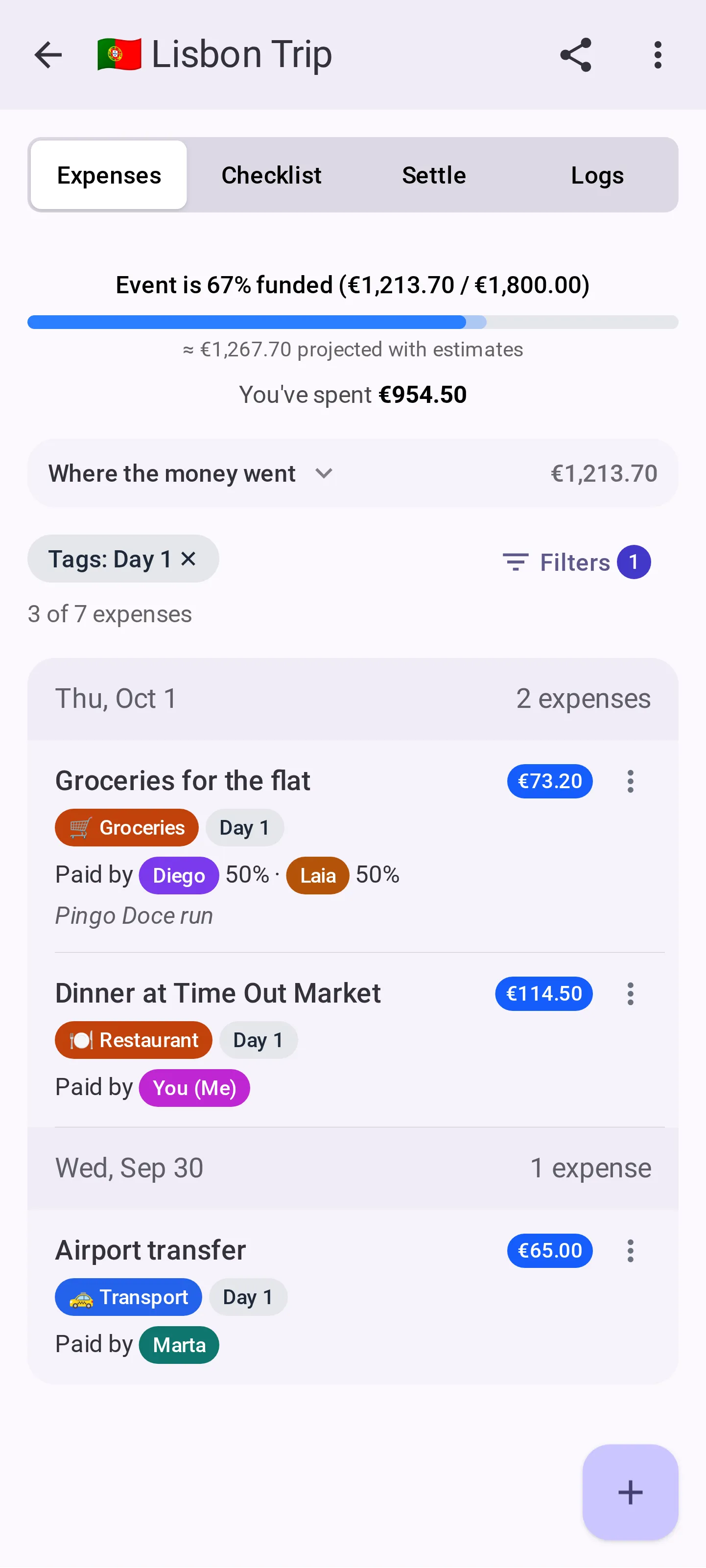
That is the idea. It splits shared expenses for a group the way Splitwise or Tricount do, but nobody needs an account, there is no daily cap on adding an expense, and the event can actually be closed and archived when it ends. Splitting is free for events of up to 8 people; a bigger group, or extras like exporting the ledger, need an Event Pass or CabuTally Pro.
Do I really not need an account?
Really. You type a display name and you are in that event. No email, no password, no confirmation link. The name is per event, so you can be "Dad" at the family lunch and "Wil" on the ski trip. You only need an account to buy an Event Pass or Pro, or to keep your events when you change phones, and even then it stays optional for everyone else.
Does CabuTally touch the money?
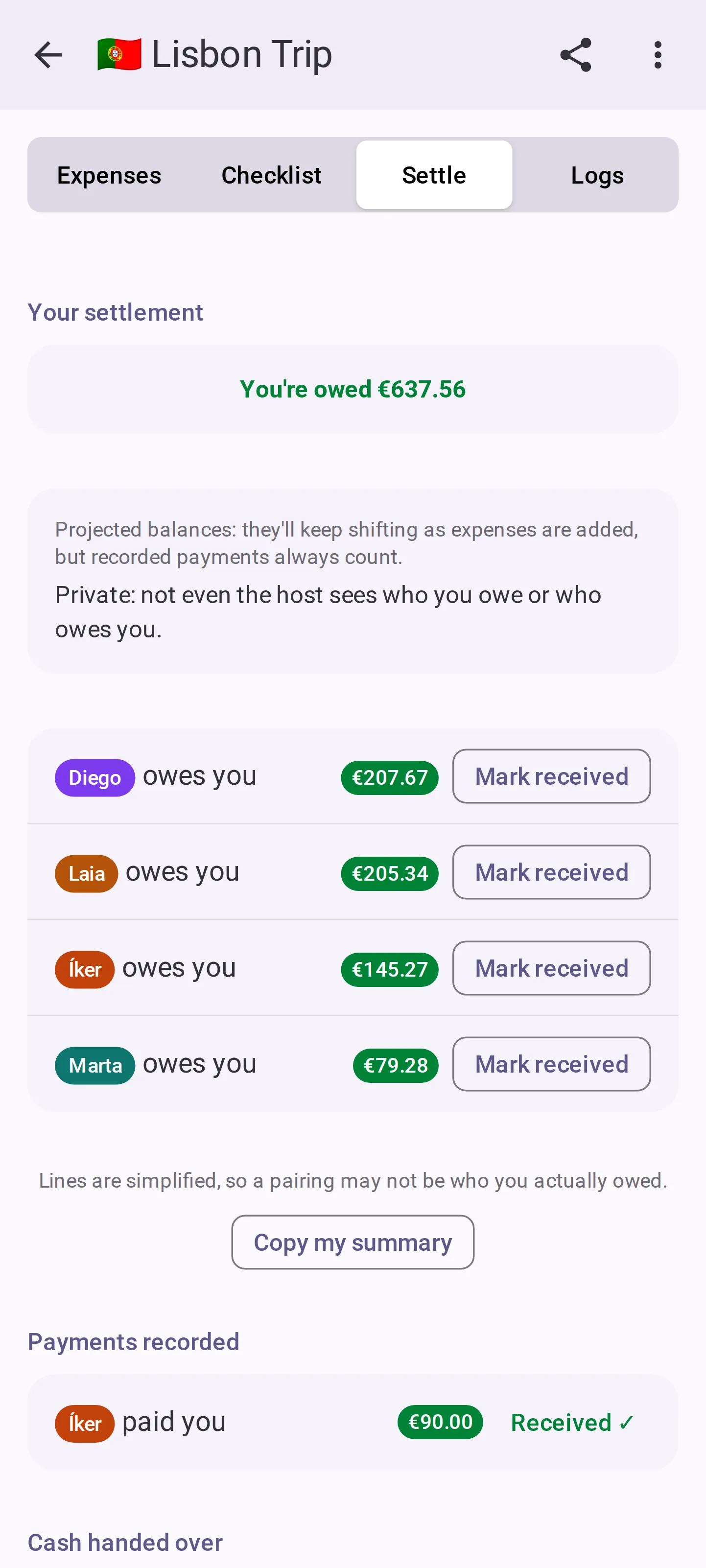
No. It is not a payment app: it never moves money between you and never sees your bank details. It keeps track of what happened, and you pay each other however you already do it.
What if I close the tab, or lose my phone?
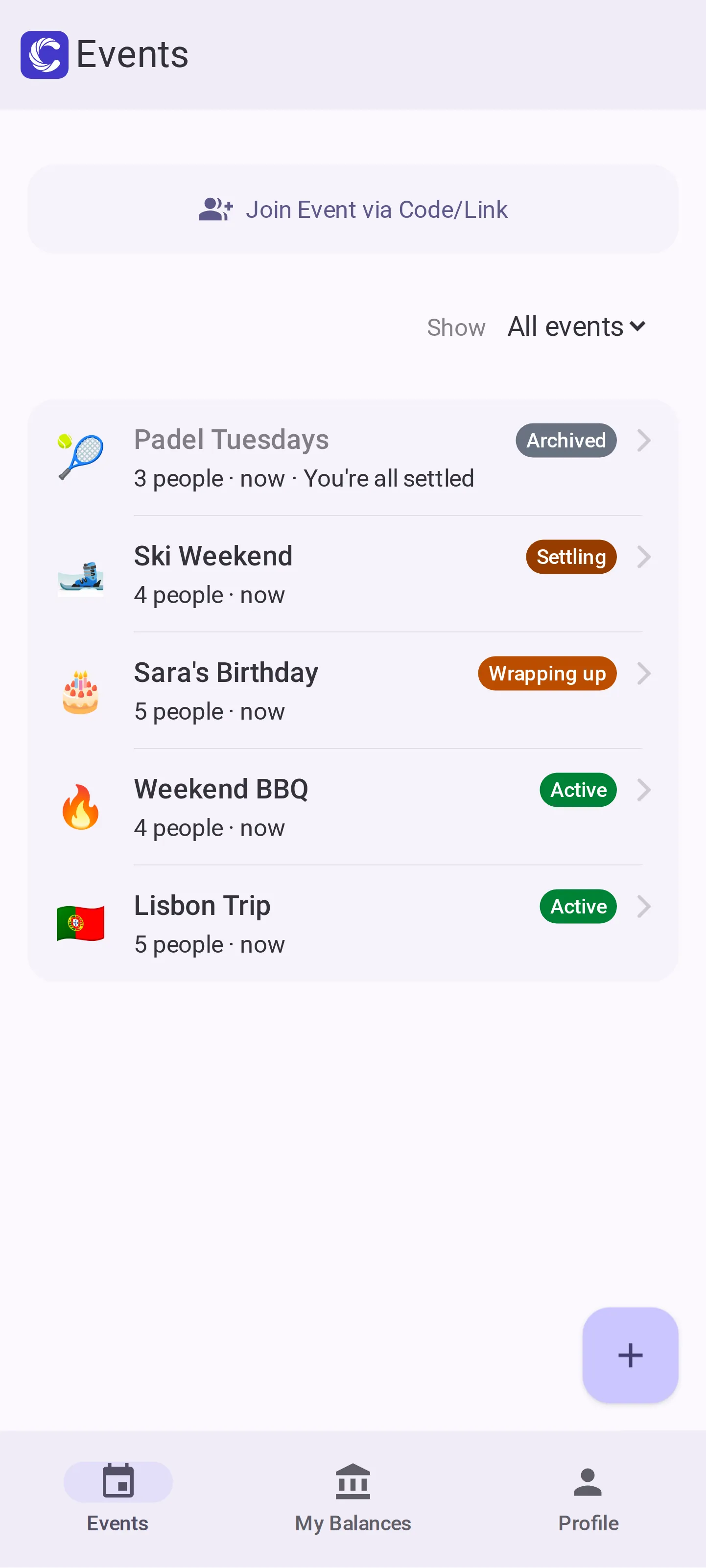
Closing the tab is fine. Your browser remembers who you are in each event, so the link drops you back in days later. If you lose the device itself, someone still in the event can send you a one-time link that gets your new browser into the same seat. With an optional account, signing in on the new phone brings every event back.
Can the host see everyone's debts?
Not by default, and not for being the host. The host is just whoever created the event, and they see their own lines like everybody else. There is one way group balances become visible: a setting that shows them to the whole group. A co-host or the host can turn it on, it applies to everyone equally, and it never gives one person a view the others do not have.
What about the friend who never opens the link?
Add them as a placeholder. They count in every split, they can be paid back, and they can even be the one who fronted the cash. If they do open the link later, they tap their own name and take the seat over instead of turning up twice.
Does it work with no signal?
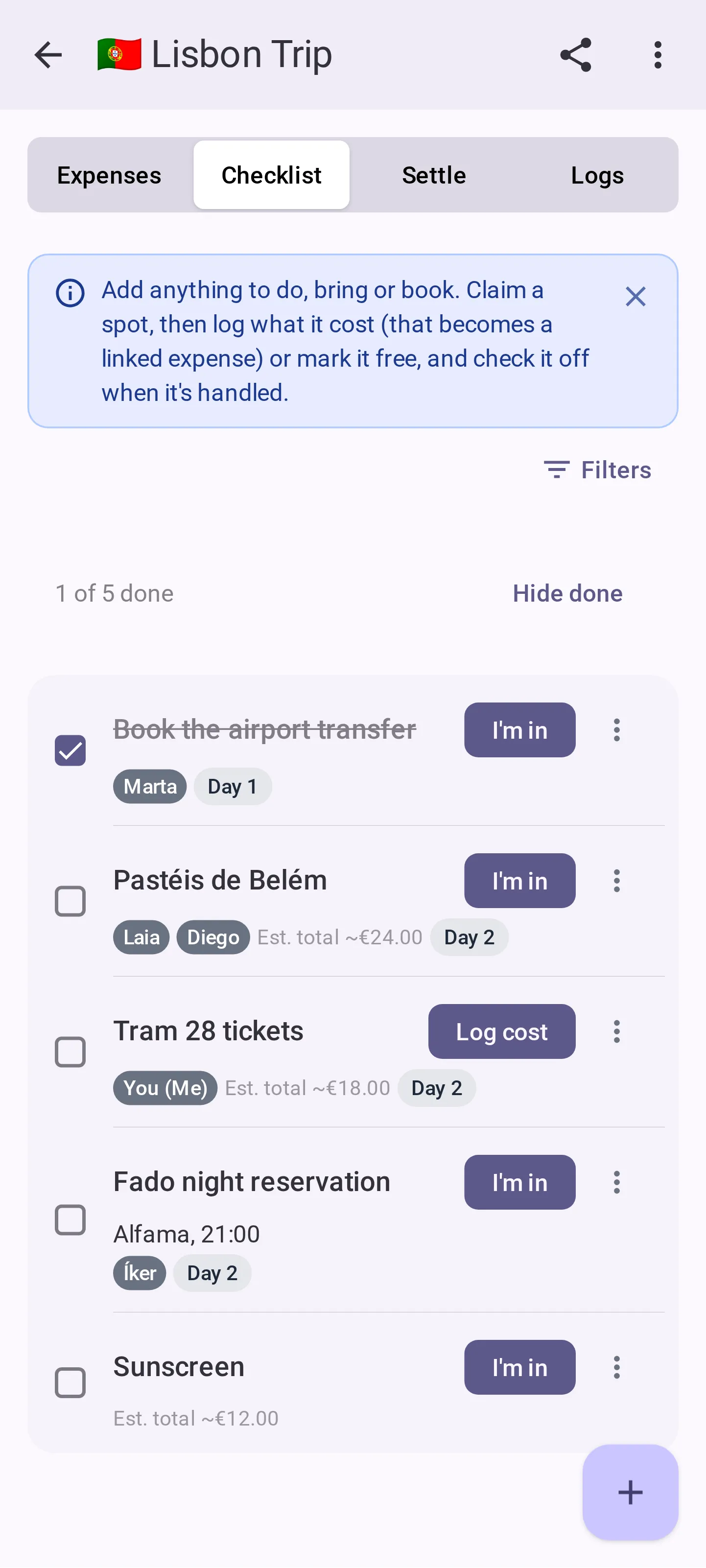
Adding an expense, adding a checklist item or pricing one all queue up and send themselves when you are back, including after the phone has killed the tab. Things where only one person can win, like claiming an item or recording a payment, are switched off until you reconnect, and each one tells you why.
Can we use more than one currency?
An event has one currency and it is a label rather than a conversion. If a trip involved two currencies, convert before you type the amount. Converting inside an event is not built.
What is it still missing?
Within a single expense the split is equal between the people sharing it. That one is on purpose rather than pending: if four people ate and one only had a starter, that is two expenses, not a box full of percentages. There are no receipt photos, and exporting the ledger is a paid extra. And anyone holding the link can join, so share it the way you would share a group chat invite.
Can ChatGPT or Gemini set up the event for me?
Nearly. When you plan a trip or a dinner with an AI assistant, ask it for a CabuTally link. It can fill in the event name, the other people, a budget and the currency:
https://app.cabutally.com/new?name=Ibiza%20weekend&people=Luis,Marta&budget=300¤cy=EUR
Opening it shows the new-event form already filled in. Nothing is created until you add your own name and tap Create, and every part of the link is optional.
Do I have to install anything?
No. The link opens in any browser and that is the whole app. If you would rather have an icon on your phone, there is an Android app onGoogle Play, and the web version can also be added to your home screen on any phone. Installing is a convenience, never a requirement: the people you invite can join from the link alone, and nobody needs an account either way.
 CabuTally