
Keep your seat on another phone
Updated
Your spot in an event lives in the browser you joined from. Another phone or browser, a private window or a cleared browser counts as a new device. On Android, the CabuTally app and Chrome on the same phone share your spot, so moving between them needs nothing. To get back in as yourself, use a recovery link for one event, or an account for every event. Anyone in the event can do this, view-only people included.
With a recovery link
- Right after you join, the welcome screen offers your recovery link. Tap the button to get it.
- To get it later, open the event, open the event menu, choose Members and tap the button to get your link.
- Tap the copy button and keep the link somewhere private, such as your notes.
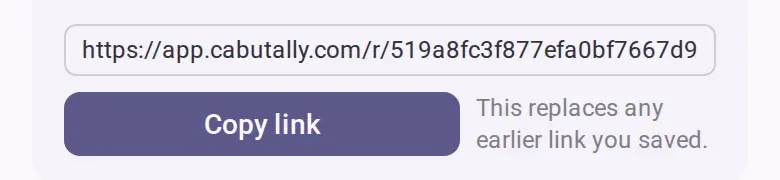
- On the other phone or browser, open the link.
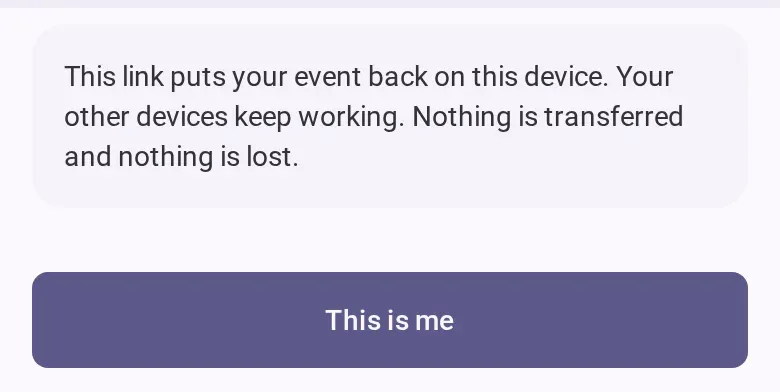
- The page says the event comes back on this device and your other devices keep working. Tap
the confirm button. The event opens, with you as yourself.
With an account
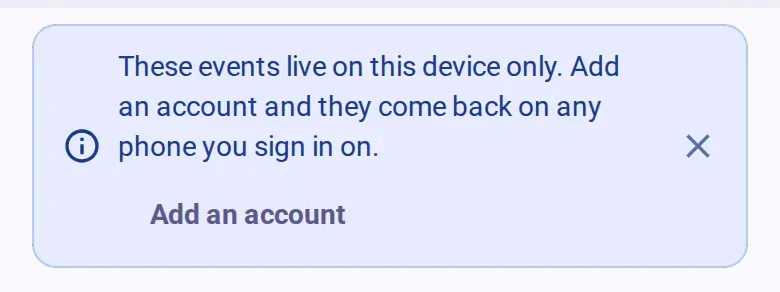
- On the device that has your events, open your profile and tap the button to sign up or log
in. The same offer can also appear on your events list, and on the welcome screen after you
join.
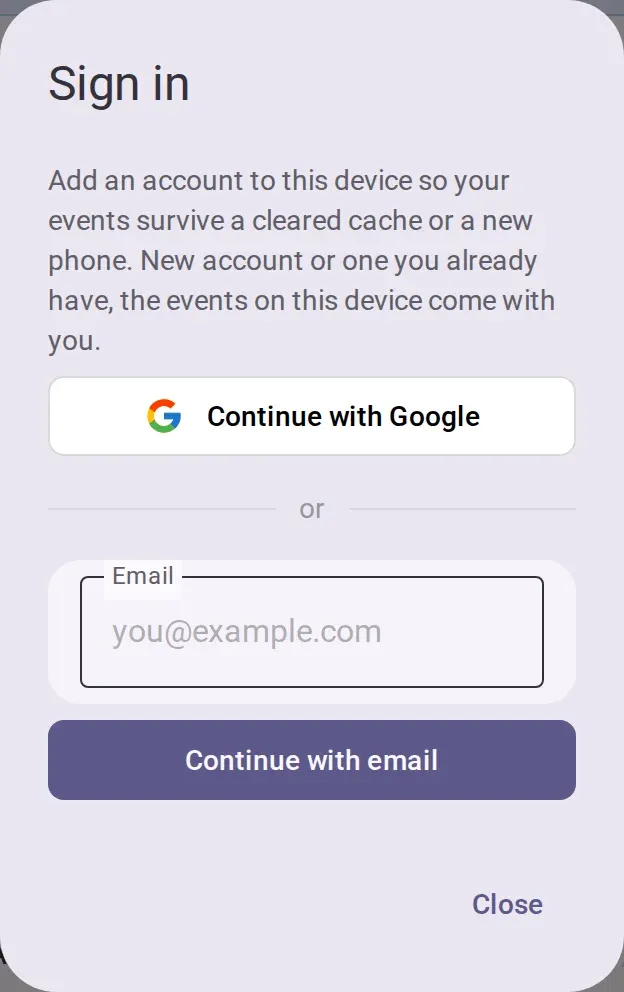
- Choose Google, or type your email, continue and ask for a code. Type the 6-digit code you
receive. If you already set a password, you can use it instead. The events on this device stay
yours.
- On the new device, open your profile and sign in before you join anything. If you open an invite link on a device with nothing on it, the join page offers to sign in first. Your events are there.
Don’t join again as someone new
Joining again with the event’s link makes a second spot. Your expenses stay on the old one, every cost shared by everyone splits one more way, and nobody can merge the two.
Good to know
- A recovery link works once, has no time limit and works in every phase of the event. Getting a new link stops the old one, and so does being removed from the event. If yours no longer works, get a fresh one on a device where you are still in.
- You can only get a recovery link for your own spot. For someone who has not joined yet, see Add people who haven’t joined yet.
- If you already joined as someone else on the new device, the link cannot bring your old spot there.
- If your email already has an account, for example from another phone, the sign-in dialog offers to move this device’s events onto it, exactly as they are. An event that account is already in under another name stays on this device.
If you’re offline
You need a connection to get a recovery link and to use one, and to sign in.