
Private expenses and who sees what
Updated
A private expense is visible only to the people on it: whoever paid, whoever shares it, and anyone who took some home. Everyone else, the host included, can’t see it.
- Open the add form, or tap an existing expense.
- In who shares it, switch to picking people and tick only the people it is for.
- Tick the private box below them. A hint confirms who will see it.
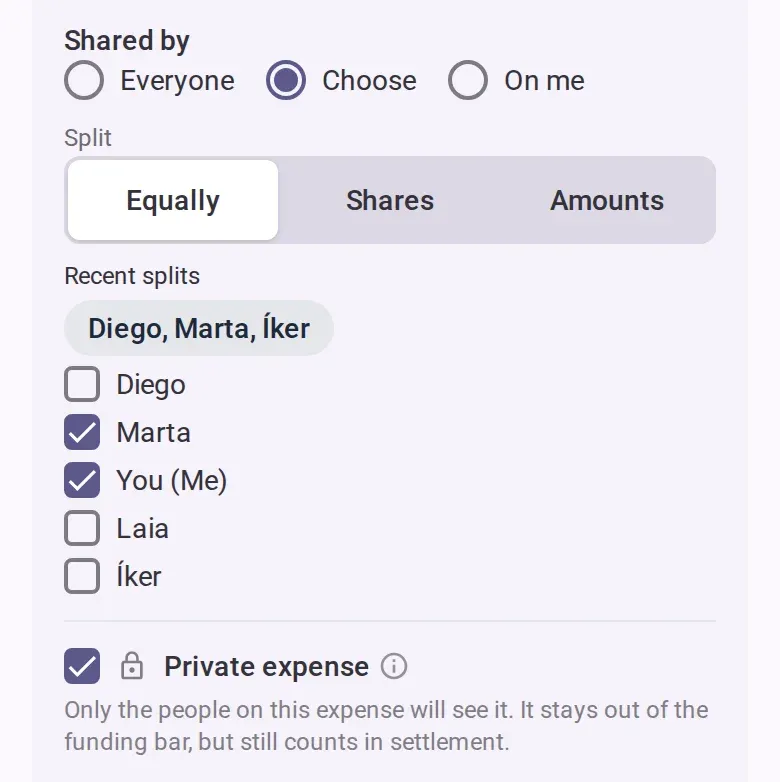
- Save. In the list, the expense is marked private and says how many people can see it.
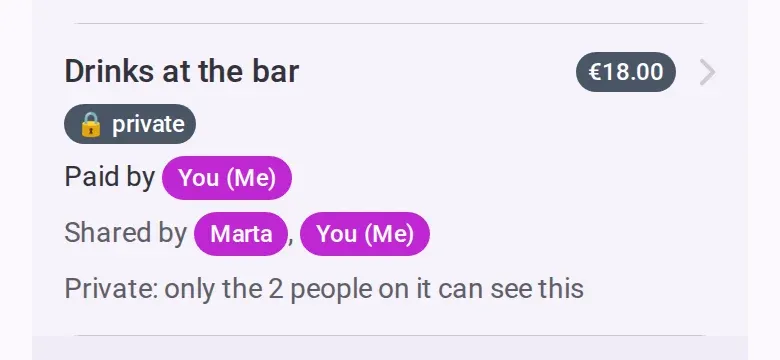
To make it public again, someone on it unticks the private box and saves.
See both sides in a finished demo trip: open it as Alex, who paid for Maya’s surprise gift and shares it with the others, then as Maya, who can’t see it.
Who can change it
- Any member, co-host or admin who can see the expense. For a private one, that means only the people on it: a host who isn’t on it can’t see or change it.
- View-only people can’t, and nobody can while the event is settling or archived.
- You can add a new private expense offline. Changing an existing one needs a connection.
- If you are not on it, the form warns you and asks you to confirm. After you save, you can’t see it or change it back.
- An expense logged from the to-do list can’t be private.
Good to know
- It still counts when you settle up. It only stays out of the group’s shared totals.
- If it is shared by everyone, private hides nothing from the people on it, and the form says so. It only hides it from people whose dates in the event don’t cover that day.
- The note and receipts are only for the people on it. Tag names are visible to everyone.
- When an existing expense is made private or public, the activity log shows everyone who did it and the expense’s name.
Who sees which debts
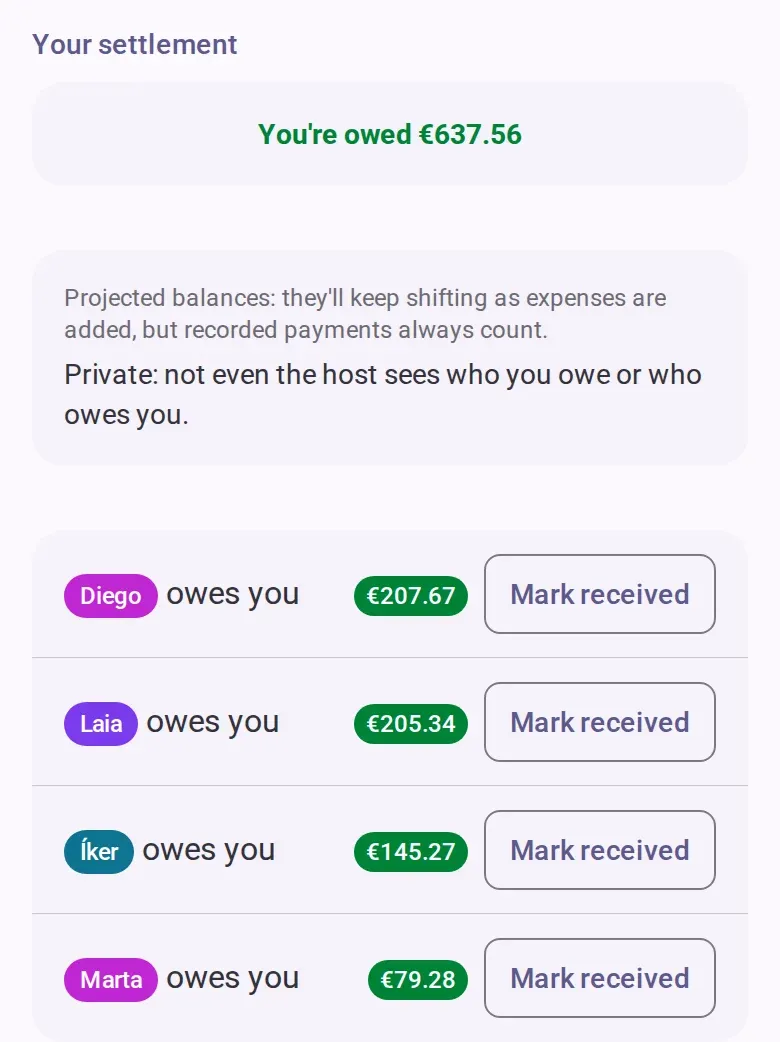
On the settle tab you see only your own lines: who you owe and who owes you. Nobody else sees them, not even the host.
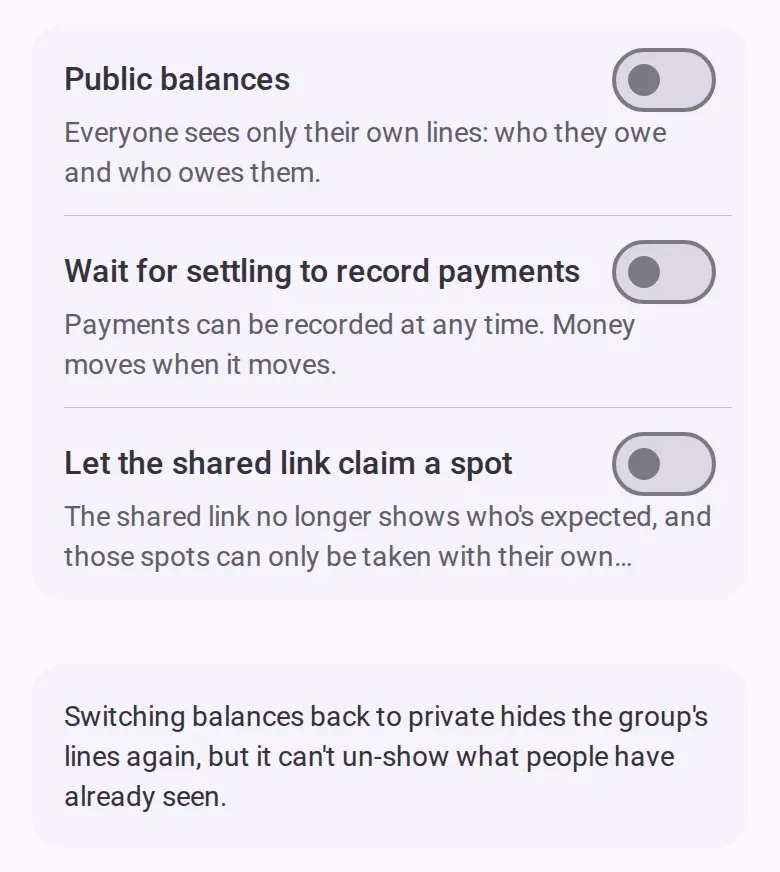
A co-host or admin can turn on public balances in the event’s settings, from the event menu, until the event is archived. Then everyone also sees who owes whom for the group’s shared expenses, without private expenses or recorded payments. Turning it off hides those lines again, but people may have seen them already. The switch needs a connection and is logged.
Debts between two people who haven’t joined yet are visible to everyone. See Settle up for more.