
Add people who haven't joined yet
Updated
A placeholder is someone on the event’s list who has not joined yet. You can pick them as payer or sharer on any expense straight away, and later they take that spot as themselves. Anyone except view only can add a placeholder.
Add someone
- In the event, open the event menu and choose Members.
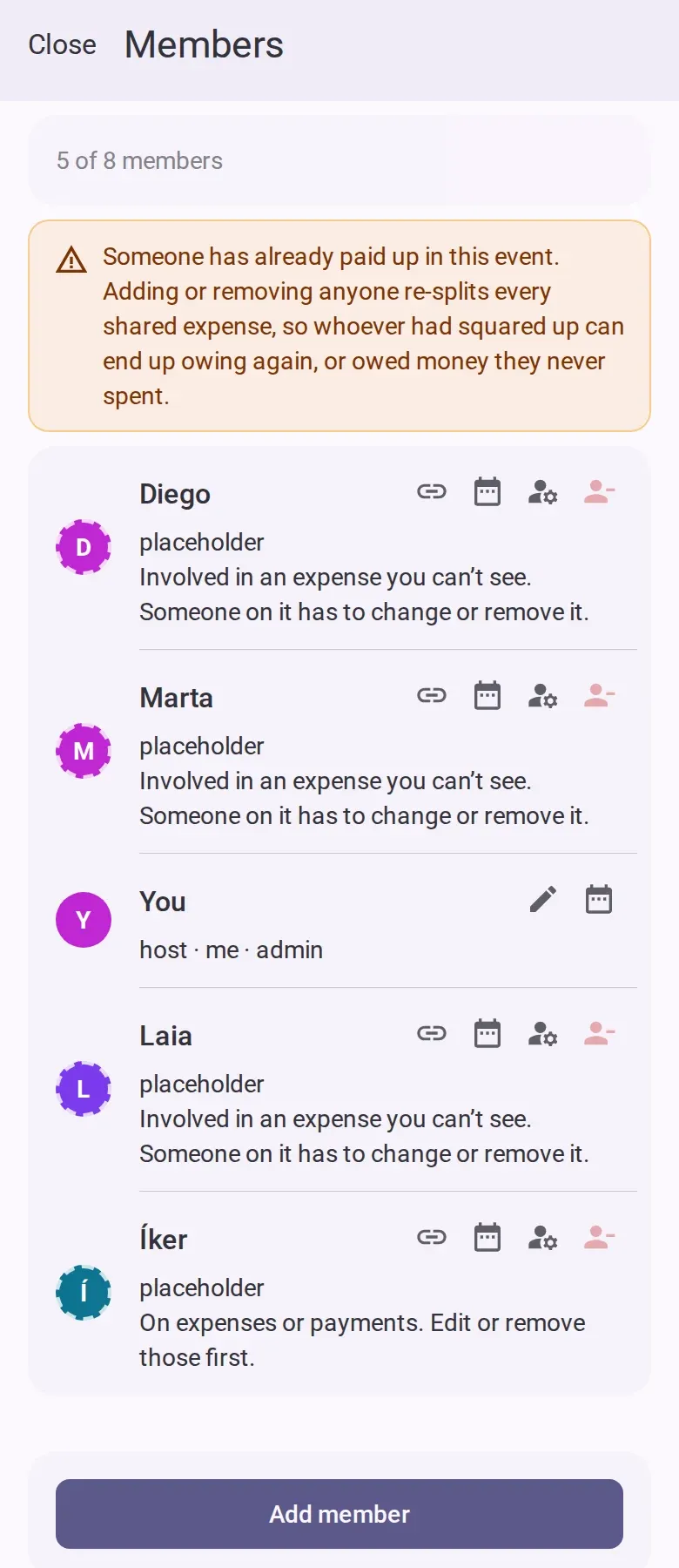
- Tap the add button. You can send them the event’s link, or add them manually.
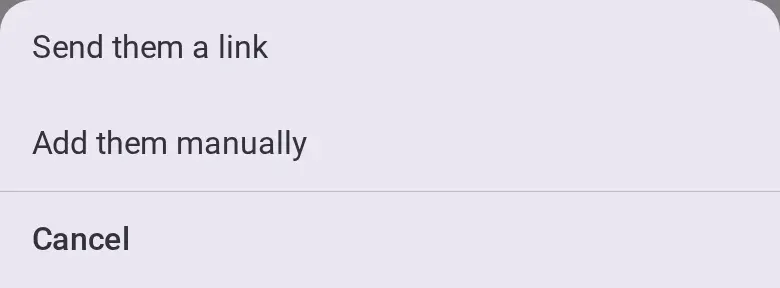
- Choose to add them manually and type their name.
- If the event already has costs shared by everyone, choose whether this person shares them from
the beginning or from a date.
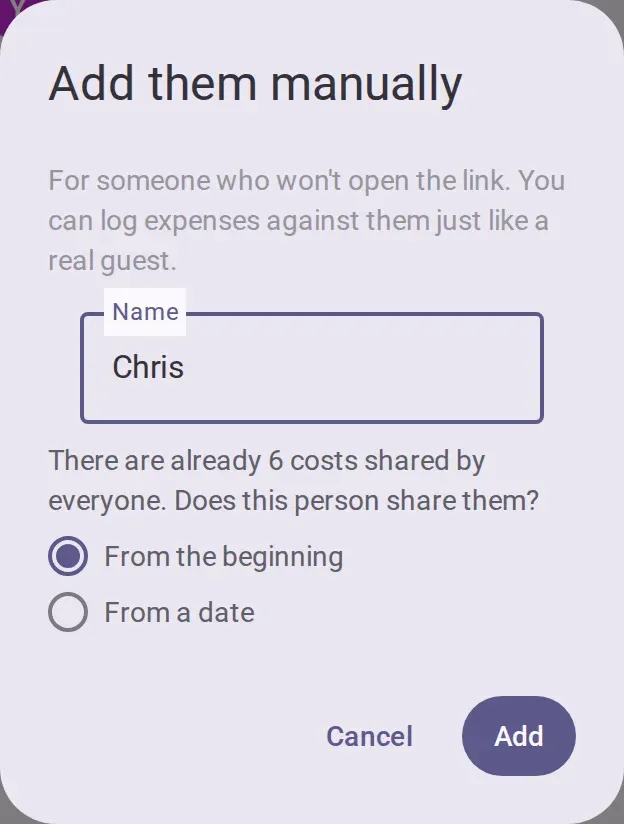
- Tap the add button in the dialog. They appear on the list as a placeholder.
Let them take their spot
- On the placeholder’s row, tap the link button to get their personal link.
- Read the warning: whoever opens the link becomes that person in the event. Tap the share
button and send it only to them.
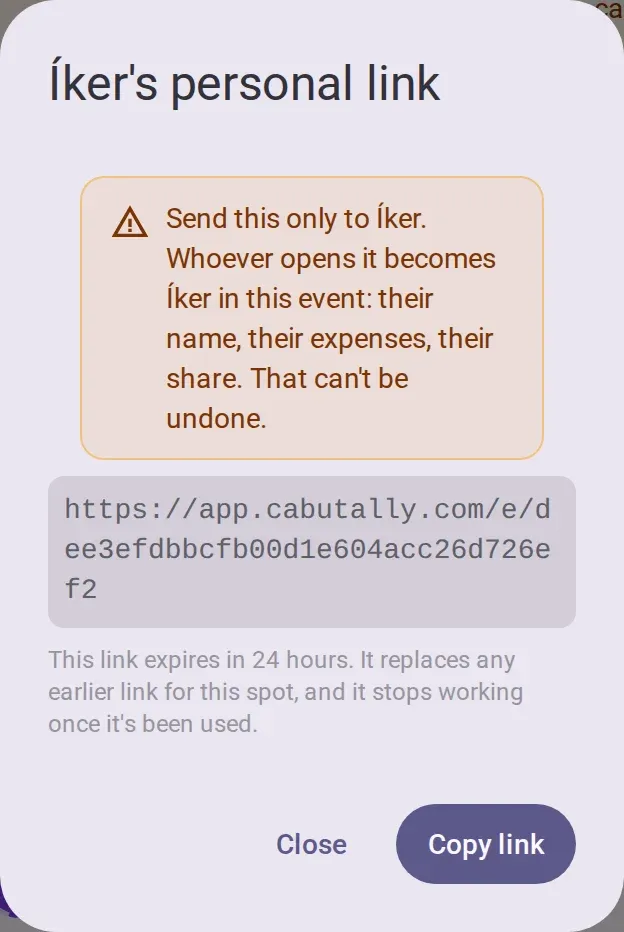
- Your friend opens the link and taps their name. They are in as that person, with the expenses
already logged for them.
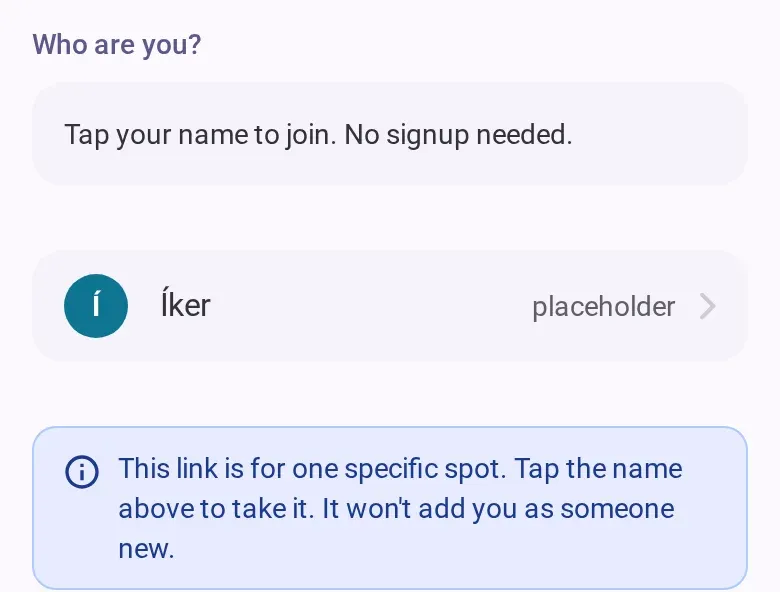
A personal link works once and expires 24 hours after you get it; their row shows when. A new link replaces the old one. Anyone except view only can get one, in every phase of the event.
A co-host or admin can instead let people pick their own name on the shared link. This is off for a new event. See Create an event and invite people.
Remove someone
A co-host or admin taps the remove button on a row and confirms. Anyone except the host can remove themselves. If the button is greyed out, the row says why, for example because the person is on an expense or a payment.
Removing someone re-splits every cost shared by everyone. To keep their past shares, anyone except view only can use the calendar button on their row instead, to set when they stopped sharing. Removing is not a ban: they can join again with the event’s link, as a new person.
Change someone’s role
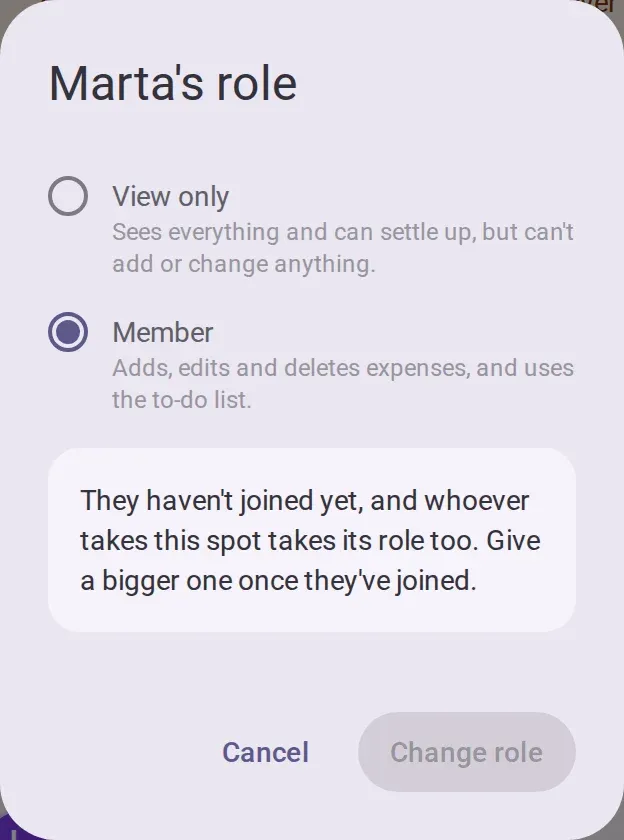
A co-host or admin taps the role button on a row, picks a role and confirms.
- Admin: everything, including making admins and deleting the event.
- Co-host: settings, members, the invite link, and roles below admin.
- Member: adds, edits and deletes expenses, and uses the to-do list. Everyone who joins as someone new starts as a member.
- View only: sees everything and can settle up, but can’t add or change anything.
A placeholder can only be member or view only, and whoever takes the spot takes its role. The host is always an admin.
Good to know
- A free event holds up to 8 people, placeholders and the host included. An Event Pass raises it to 50. Removing a placeholder who isn’t coming frees a place.
- Once someone has recorded a payment, adding or removing anyone can change what people owe. The list warns you. See See what you owe and mark a payment received.
- While the event is settling or archived, nobody can add or remove people until you reopen it. Getting a personal link, taking a spot with it and changing your own name still work, and roles can still change while the event is settling.
- Offline, you can copy the event’s link. Everything else on this page needs a connection.